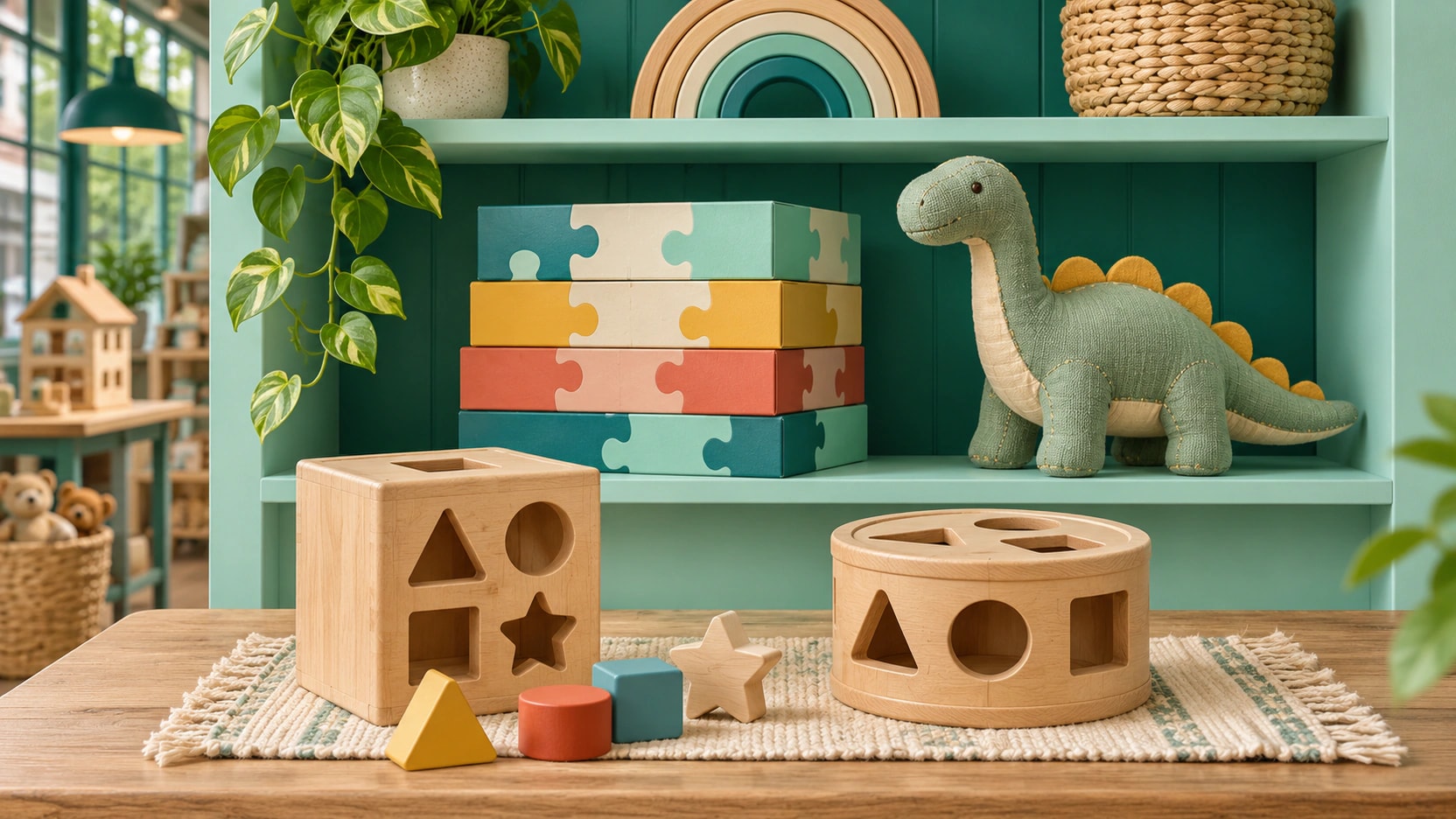
A customer shopping for a toy usually starts with a recipient and a budget. They might know the child enjoys building, that the gift must arrive on Friday, or that a sibling already has the basic set. A storefront needs to turn those constraints into useful routes through the catalog. Bright banners can introduce a collection, but the underlying attributes, stock records and delivery promises decide whether a shopper finds something suitable.
Toyup, Juno and Toyworld are WordPress themes for WooCommerce shops. Toyup gives a retailer more tools for configuring product archives and variations. Juno combines a toy storefront with layouts for editorial content and gifting. Toyworld concentrates on the standard shop, product and account pages. Choose the option that lets staff maintain accurate product data through a seasonal changeover.
| Theme | Editing and integration | Fits | Listed price |
|---|---|---|---|
| Toyup | Elementor, ShopBuilder Pro and variation add-ons | Large toy range and granular browsing | $49 |
| Juno | Elementor and ThemeREX add-ons | Gift-led store with editorial and promotional pages | $69 |
| Toyworld | Elementor and WooCommerce layouts | Small catalog with a straightforward store and account flow | $29 |
Toyup
RadiusTheme’s Toyup is built around Elementor and includes demo import, a child theme and a choice of catalog and product layouts. The listing describes filter sidebars, accordion and grid options, and Ajax loading. Its changelog also names ShopBuilder Pro, Variation Images Gallery Pro and Variation Swatches Pro. These are useful starting points when a large range needs different product views for puzzles, construction sets and soft toys.
Build filters from stable catalog information. Use age range, play type and price for discovery, then reserve true WooCommerce variations for selectable items with their own stock, photos or price. A set available in two box sizes might need separate inventory. A toy suitable for several age groups can usually carry attributes on one product. Keeping those uses distinct makes product entry less error prone and avoids forcing shoppers to select an age when there is only one item to purchase.
The extra archive controls bring an update dependency. RadiusTheme’s September changelog mentions PHP 8.4 compatibility and updated extensions, while the marketplace compatibility table names older WooCommerce branches. Ask which WordPress and WooCommerce release the exact download supports. RadiusTheme also explains that plugin copies bundled with a theme do not convey a standalone key. Confirm how you will receive maintenance updates and which features require a separate direct license before you build custom templates around them.
Juno
ThemeREX’s Juno uses Elementor, with premade shop, blog, service and gallery layouts. The vendor also advertises megamenu, wishlist and gift-card integrations. This gives a shop room to publish guided recommendations, such as choosing a first board game or matching a gift to an interest, then connect those pages to purchasable products. A seasonal gift guide can keep its editorial URL while staff replace products that have sold through.
Start with a narrow navigation and link shoppers to the useful collections directly. For example, a guide to cooperative games can explain typical play time and player count before showing products. A product page can then contain the manufacturer’s age guidance and component notes. Plan a fallback for unavailable items so that a gift guide continues to work after the holiday cutoff. Keep those details as text and product fields so that they remain legible when banners are cropped or animated sections are removed.
Juno’s changelog discusses recent WooCommerce work, while the formal compatibility metadata still names older versions. Treat the compatibility of your actual checkout, product filters and any third-party wishlist as a staging question. The Gutenberg label does not establish Site Editor templates. The WordPress.org listing with the same name is by a different author. The Elementor workflow and ThemeREX extensions matter to the imported design. Check which gift-card and wishlist functions work with their base plugins and which require separate paid tiers or ongoing support.
Toyworld
Awaiken’s Toyworld provides a more focused storefront package. The vendor lists a demo importer, Elementor editing, global typography and colors, and layouts for product details, checkout, wishlist and account pages. The marketplace table names WooCommerce 10.x, WordPress 7.1.x and compatibility with Elementor Pro. Compatibility alone does not establish that a Pro subscription is included or required for your particular pages. Inspect the demo’s dependencies and document them before handing the store to staff.
A small toy store can use the theme to launch with a few categories and seasonal collections without immediately adding custom shop builders. Start with a simple product, a variable product, a sold-out item and a product available for pickup. Check that a customer can distinguish an unavailable variation from an item still on the shelf. For a shop that sells both online and in person, confirm which stock system updates quantities and when the online storefront displays those changes.
The listing establishes design coverage for common WooCommerce pages. A wishlist, custom product recommendations, gift-message fields and automated back-in-stock emails can each depend on different plugins or services. Keep the list of optional extras short until you have tested product discovery and checkout on mobile. If a feature matters to launch, ask which component owns it and confirm its annual cost and export options before committing.
Compare product data, checkout and handover
Populate a small catalog from real product records before choosing among the three demos. Include products with long names, several age ranges and multiple versions. Check that filters return predictable results on a phone, including after using the browser’s Back button. Ask a staff member to add a new variation and update stock without touching a page-builder template. The same staff member should be able to spot and fix a product that appears in the wrong collection.
Use the product page to publish dimensions, age guidance, components and any manufacturer warnings in ordinary text. A shopper should be able to find the information without opening a quick-view overlay. Keep image rights separate from theme licensing and replace placeholder photos before launch. Test the order path with a wrapped gift, an out-of-stock variation, a shipment above the free-delivery threshold and a pickup order. Each case should display the price and collection or delivery information before payment.
Ask what happens when a customer requests a return on a gift order. Confirm which contact details appear in the receipt, whether order notes are visible to the recipient and how a replacement is assigned to the correct variation. If staff manage shipping or returns in another system, decide which product and order fields that system needs. Include any connector license, payment costs and operational subscriptions when comparing first-year and ongoing costs.
Which theme fits the catalog?
Toyup makes the most sense when a broad assortment needs richer product filters and the team can maintain its companion extensions. Juno suits a retailer that expects to publish gift guides and wants flexibility around promotions and merchandising. Toyworld is a sensible starting point for a smaller catalog that needs recognizable shop and account pages. In each case, the deciding test is whether the buying path works with your own product information and inventory rules, including the items that are difficult to ship or temporarily unavailable.
Related comparisons include our bookstore themes and WooCommerce themes.
Theme licenses and ongoing costs
Prices are listed in USD as reviewed on November 13, 2026, before taxes or fees. Each ThemeForest regular license generally covers one end product and these supported listings include six months of author support. Envato quotes optional support using 37.5% of the item price at purchase, 62.5% before expiry and 87.5% after expiry. The item price used for this calculation excludes the buyer fee. Confirm the exact amount in your account. Continuing to use the theme and paying for further author support are separate decisions. Hosting, direct plugin licenses, subscriptions and payment services can carry their own charges.