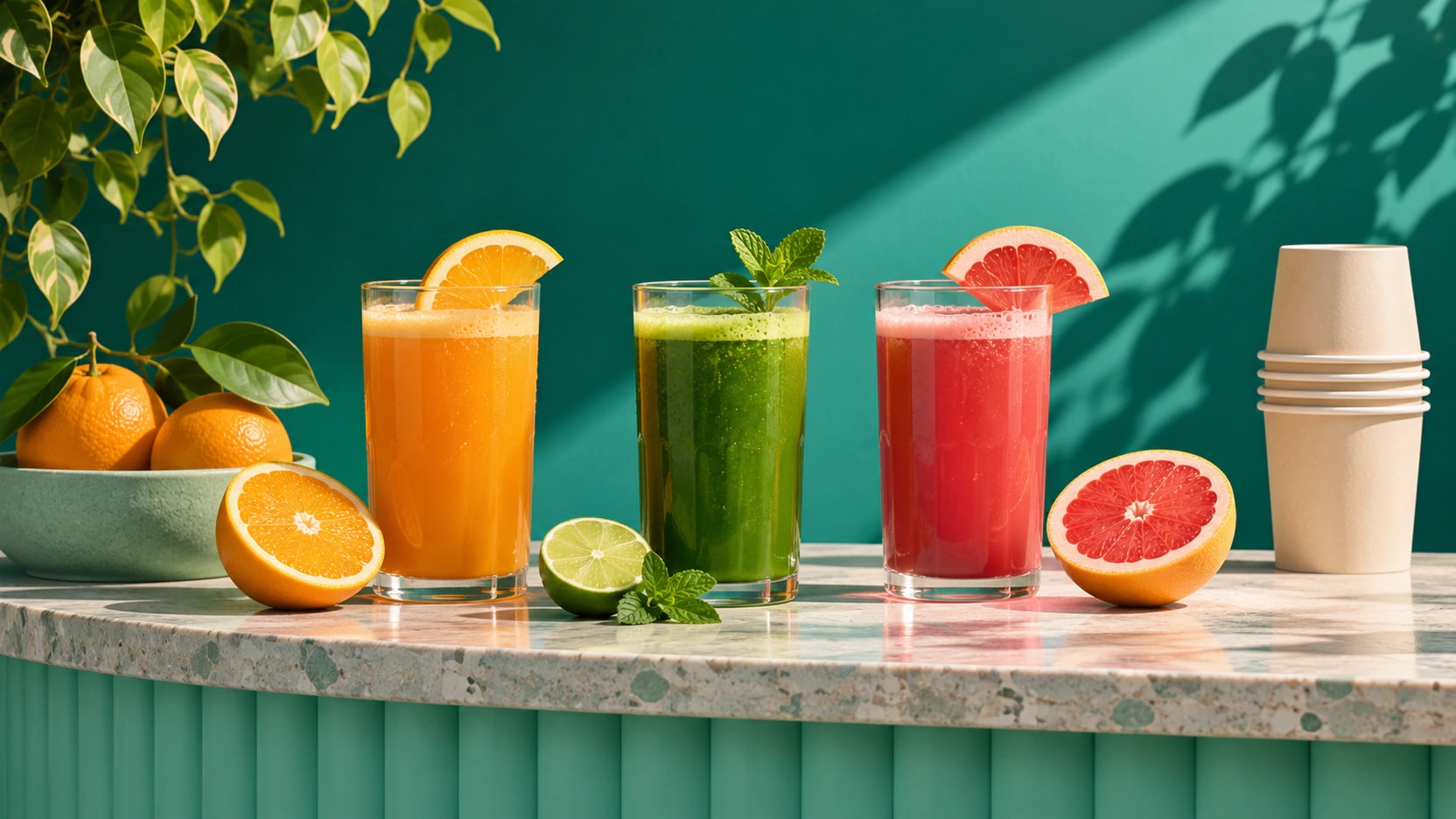
A customer leaving the office has two minutes to decide whether to stop for a smoothie. They need to know what is available, which location is open, and whether they can preorder. A site that puts a full-screen fruit photo ahead of those answers can look polished and still cost the counter a sale. Frappé, Faryita, and Ohlala each offer a starting point for the storefront, but their page editors and approaches to online ordering differ.
Decide first whether you need a menu or a shop. A menu explains ingredients, sizes, prices, and hours before someone visits. A shop must also handle stock, payments, taxes, order confirmation, and pickup instructions. A bar that sells bottled juice for afternoon pickup and makes smoothies on demand may need both. The comparison below looks at the work each WordPress theme can save at launch and identifies the steps that remain with your ordering system.
Theme comparison at a glance
| Theme | Useful starting point | Editor or integration | Listed USD |
|---|---|---|---|
| Frappé | A walk-in drinks menu | WPBakery; WooCommerce 10.x listed | $85 |
| Faryita | A drinks shop with a visual catalogue | Elementor; WeDesignTech core plugin | $59 |
| Ohlala | A counter selling drinks and desserts | Bold Builder; WooCommerce through 9.x listed | $69 |
Frappé
Elated-Themes gives Frappé layouts for drink and food businesses, including a menu template. That is useful for a shop updating a short menu frequently. Start with a text list organized by product type, such as made-to-order smoothies, cold-pressed bottles, and add-ons. Use visible descriptions and prices that will still make sense if the drink images have not loaded. Give each location its own hours and address when two branches share one menu.
The author lists one-click demo import and bundled WPBakery. This is a builder-based theme rather than an advertised Site Editor theme. An employee who updates descriptions should know which edit screen controls the menu and how to preview the change on mobile. The listing includes WooCommerce 10.x and WordPress through 7.0.x in its compatibility fields. WooCommerce compatibility gives a starting point for shop pages. It does not establish availability by pickup counter or prevent orders from arriving after a kitchen closes.
Choose Frappé when an easy-to-read menu is the primary goal and you are comfortable maintaining WPBakery. Before adopting the demo, identify the parts that remain functional without optional sliders. Replace promotional photography with images you can use and make the menu link visible from every location page.
Faryita
BuddhaThemes describes Faryita around organic juices and health drinks. The listing advertises an Elementor workflow, custom widgets and one-click demo import. Its developer identifies a WeDesignTech plugin that supplies theme features, shortcodes and custom content types. Write down the exact plugin names and versions activated by the importer. A WordPress page that contains a custom widget may need that plugin after a theme change.
Faryita fits a counter that already treats bottled drinks as products and wants to introduce collections by flavor or assortment. For example, a weekly three-bottle pack needs a size, a quantity, a pickup location and an availability statement. Those belong in the product fields or stock system. A back-in-stock sign-up should not silently enroll a customer in unrelated marketing. Design the product page so contact and pickup information are visible near the order button.
The reviewed marketplace fields reach WordPress 6.8.x and WooCommerce 9.x. Use the official listing to check those claims against the software you will run, and confirm which imported layouts use any paid functionality before budgeting. The listed layouts do not resolve recipe modifiers, recurring orders, dispatch, or how to reconcile online stock with orders at the counter. If you only have a few drinks and no online payment, skip the imported catalogue and retain a compact menu.
Ohlala
BoldThemes positions Ohlala for cake shops, ice cream stores, and juice bars. It advertises one-click demo content, its own builder workflow, WooCommerce support and a customizable calculator. This is useful if a counter handles daily drinks plus dessert trays or party orders. Make the regular menu and the event enquiry separate paths so a customer buying one drink does not end up in a catering form.
The calculator is a presentation or enquiry component. Verify actual pricing and notifications before promoting it as a binding quote or checkout tool. A juice-and-dessert package may require a minimum quantity, a collection lead time and a way for staff to reject a date. Delegate those decisions to the checkout or enquiry process. Check whether the imported version of the calculator needs an add-on and whether the business can maintain its pricing rules.
Ohlala’s June 2026 marketplace snapshot lists WordPress 7.0.x and WooCommerce through 9.x, while Frappé lists a newer WooCommerce series. Ask BoldThemes about the version your store needs and test your chosen cart and payment gateway on staging. Its demo imagery also needs separate rights for production use. The builder is a sensible fit only if someone who works at the shop can update a seasonal category without rebuilding the page.
Before importing a starter site
Try a service interruption before launch. Suppose one location cannot make a particular drink but another can. Decide who edits the shared menu, how location availability is shown and who removes temporary notices. A weekly feature should also lead back to the canonical menu so a visitor arriving through an old post can find today’s choices. On phones, check that the price and directions stay readable with photos turned off. Train someone who works at the counter to do the next update from the actual editing screen.
For a related use case, see the coffee shop theme comparison.
Licensing and the cost to keep the site current
The table shows observed marketplace prices in USD on November 17, 2026, before any applicable tax. All three are paid marketplace items; our directory search did not identify a matching free edition for these three products. Envato’s Regular License covers one end product. Budget separately for any independent second site, separately licensed extensions, hosting and the services the business uses. Confirm license terms and the actual checkout cost before purchase.
The advertised initial support period is separate from the license. Envato distinguishes the purchase-time upgrade to a longer support period, an extension before expiry, and renewal after expiry. Extension and renewal are calculated from item price rather than necessarily the full advertised total. We did not verify logged-in renewal quotes. Ask about bundled plugin updates and price any standalone renewals that your chosen build requires.
Choose by how customers collect their orders
Walk-in first. Put a short, readable menu near the top of the mobile page. Link each location to directions and state when the last order is taken. Put any ingredient or substitution information your shop can maintain beside the relevant item. Place the full current price in text; an image of the board is difficult to read and awkward to change.
Prepaid collection. On a sandbox order, use two branches with different hours, a sold-out bottle and a pickup cutoff. Check how the cart deals with a changed location and a failed payment. Staff should receive a usable order record with the time, location, item and quantity. The theme does not decide whether preparation begins before payment settles.
Seasonal stock. Check who removes a drink from the menu, who can mark stock unavailable and whether the same change must be made twice. Keep product names and prices in the smallest number of systems you can support. If an external platform controls checkout, use an honest link with the right location instead of maintaining an unused second shop.
Frappé is the clearest shortlist option for a menu-led counter that accepts WPBakery. Faryita makes more sense for a visually organized drinks catalogue maintained in Elementor. Ohlala is a candidate when dessert bundles and enquiries need their own path alongside a simple juice menu. Build one real drink page, one location page, and one realistic order or enquiry before choosing the demo that the staff will inherit.
Official sources
We compared the vendor listings and documentation, without installing or benchmarking the themes.