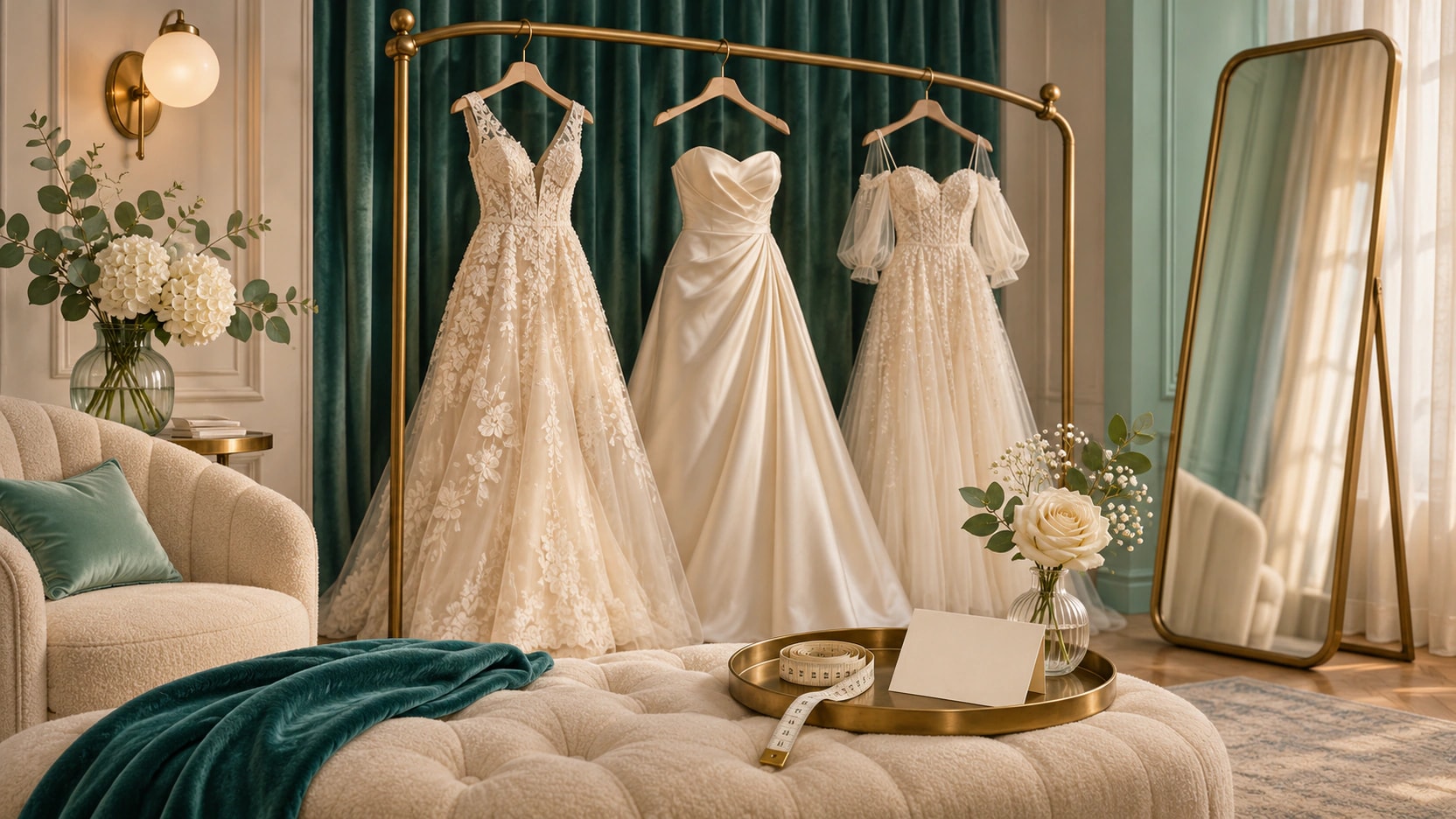
A bridal boutique often has two different sales journeys. Someone may buy an in-stock veil or hairpiece online, while the same shopper needs a consultation and a fitting before ordering a gown. A theme with beautiful product photographs can obscure that difference if every page leads to the same cart, or if the appointment form leaves the visitor guessing whether the slot has been confirmed.
These three bridal shop WordPress themes offer layouts for collections and merchandise. Compare them on how easily staff can explain which gowns are available to try, publish appointment options and maintain a working accessory checkout. Decide which products can be purchased immediately, which have an order lead time and which are samples only. Build those rules into navigation and calls to action before importing a starter site.
A shop with two locations has another decision to make. If designers and sample sizes differ by showroom, a collection page should tell visitors where to look before asking them to book. The inventory of dresses available to fit is a separate record from the inventory of products ready to ship. A theme can make both visible, while your stock and scheduling tools own the live data.
Bridal Shop WordPress theme comparison
| Theme | Best fit | Editor and stack | Listed price |
|---|---|---|---|
| Trousseau | Editorial collections and inquiry-led gown browsing | Elementor, WooCommerce, Trousseau Core | $79 USD |
| Bridey | A retail-forward catalog for gowns and accessories | Elementor, WooCommerce, one-click importer | $59 USD |
| Marriwe | A smaller catalog with shop and inquiry pages | Elementor, WooCommerce, Contact Form 7 available | $49 USD |
Trousseau
Trousseau makes sense when designer collections are the first thing customers want to explore. Its publisher describes bridal and shop templates, a one-click demo importer, Elementor layouts and WooCommerce support. The companion Trousseau Core plugin supplies theme-specific elements. The marketplace also lists WPBakery compatibility, although the main sales page promotes Elementor. Choose the importer and builder for the specific starter site you intend to maintain.
Use the editorial layouts to explain silhouettes, designer availability and order lead times. Show a short note about what a visitor can actually try on, then link to a fitting request for the relevant showroom. Keep that action next to the gown details so it survives on phones, where a collection gallery may otherwise dominate the page. An accessory section can have its own stock and checkout buttons.
The advertised WooCommerce 10-series compatibility makes the theme worth investigating if a boutique already has a shop. Ask the vendor about the exact version combination, especially if checkout uses blocks or a deposit extension. Gutenberg optimization in the listing describes editor compatibility. The published site workflow still focuses on Elementor and the theme’s own layout tools, and the sales material does not establish a full Site Editor workflow or a fitting calendar.
Bridey
Bridey is oriented toward retail. The listing describes multiple bridal homepage demos built around Elementor and a one-click import path, alongside WooCommerce compatibility. That emphasis can save layout work when a boutique carries a substantial assortment of ready-to-ship accessories and wants clear category pages for veils, shoes or jewelry. Check which demo widgets depend on the vendor’s companion plugins and what happens when those plugins are disabled.
The same retail emphasis can make a fitting sample look like sellable stock. Put a clear availability line and appointment link on gown detail pages. Where no online order is possible, use a collection or inquiry workflow that exposes no misleading stock counts. Before launch, ask a staff member to add a new designer and a new accessory. The two content tasks should be distinguishable without editing a page-builder layout for every item.
The listing covers the 10-series of WooCommerce and identifies Elementor while marking Gutenberg optimization as absent. Its Elementor demo should be treated as a builder workflow. Check whether the selected import requires any paid widget or separate license. For online accessories, test variant switching, cart stock changes and an order confirmation in your actual checkout stack. For consultations, verify the confirmation process separately.
Marriwe
Marriwe is a reasonable starting point for a compact boutique that needs a storefront and a direct way to request a fitting. Its publisher advertises several store homepage demos, Elementor widgets and Contact Form 7. A form can capture the location and preferred date with a minimal setup. Keep initial questions short, and ask for additional details after the appointment team has responded.
The changelog records a WooCommerce 11.1 fix for mini-cart behavior and a quantity field, while the marketplace compatibility table still shows older WooCommerce series. That is useful evidence about a specific release, with a narrower meaning than validation of every extension or block-checkout configuration. Confirm which version the purchase delivers and walk through the accessory cart on staging with the site’s payment method.
The price leaves room in an implementation budget for forms or scheduling, but the public feature list does not establish staff availability, calendar holds or rescheduling. Label a submission as a request when it goes to email. If instant bookings are required, choose a scheduling service that can assign both a stylist and fitting room, then have the theme link to or embed that booking flow. Allow for an ongoing subscription if the required booking tier charges one.
What to check before committing
Start with a sample gown, a pre-orderable item and an in-stock accessory. On all three pages, make the next action and expected timing explicit. The sample has a showroom and fitting link, the pre-order has a quoted lead time, and the accessory has a cart button. Test an appointment request from a phone and make sure the team sees the same showroom that the customer chose.
Ask what happens when a sample leaves a showroom, a designer discontinues a range or a Saturday fitting runs over. Staff should be able to update the public description without changing paid orders or reserved appointments. If the business intends to take deposits, document where the balance is tracked and who can cancel or refund a visit. Give that workflow a place in the purchase budget before spending time on homepage variants.
Decide who will edit the showroom catalog after launch. A stylist might be able to update sample availability from a phone, while a designer maintains the collection pages. Check that the theme keeps these tasks separate and that an outdated landing page cannot override the newest sample information. Put an appointment cancellation link or a contact instruction in the confirmation from the scheduling system.
Licences, support and add-on costs
ThemeForest prices were observed in USD on November 15, 2026, before checkout taxes or handling. A Regular License generally covers one freely accessible end product. Budget a separate license for each independent site. Item support for supported listings typically starts with six months. Envato lists a six-month support extension before expiry at 62.5% of the item price, or a renewal after expiry at 87.5%. The live checkout amount and future availability vary. A support renewal is a separate purchase from the license for the site.
The price covers the listed theme package. No matching free WordPress.org edition was found for the paid items. Verify demo activation, required plugins, included plugin versions and whether a companion needs its own paid licence. Envato’s bundled plugins policy explains why a theme bundle and a direct plugin purchase can have different support and update paths.
Which theme fits?
Choose Trousseau for a collection-led boutique with separate fitting and retail paths. Choose Bridey for a store whose online accessories and product navigation are central. Consider Marriwe for a compact shop with a simple enquiry process, provided the selected version supports the checkout you plan to use. Make the final choice after reproducing a fitting request and an accessory order with the actual tools the staff will use.
Related comparisons include tailoring studio themes and retail themes for fit and size selection.