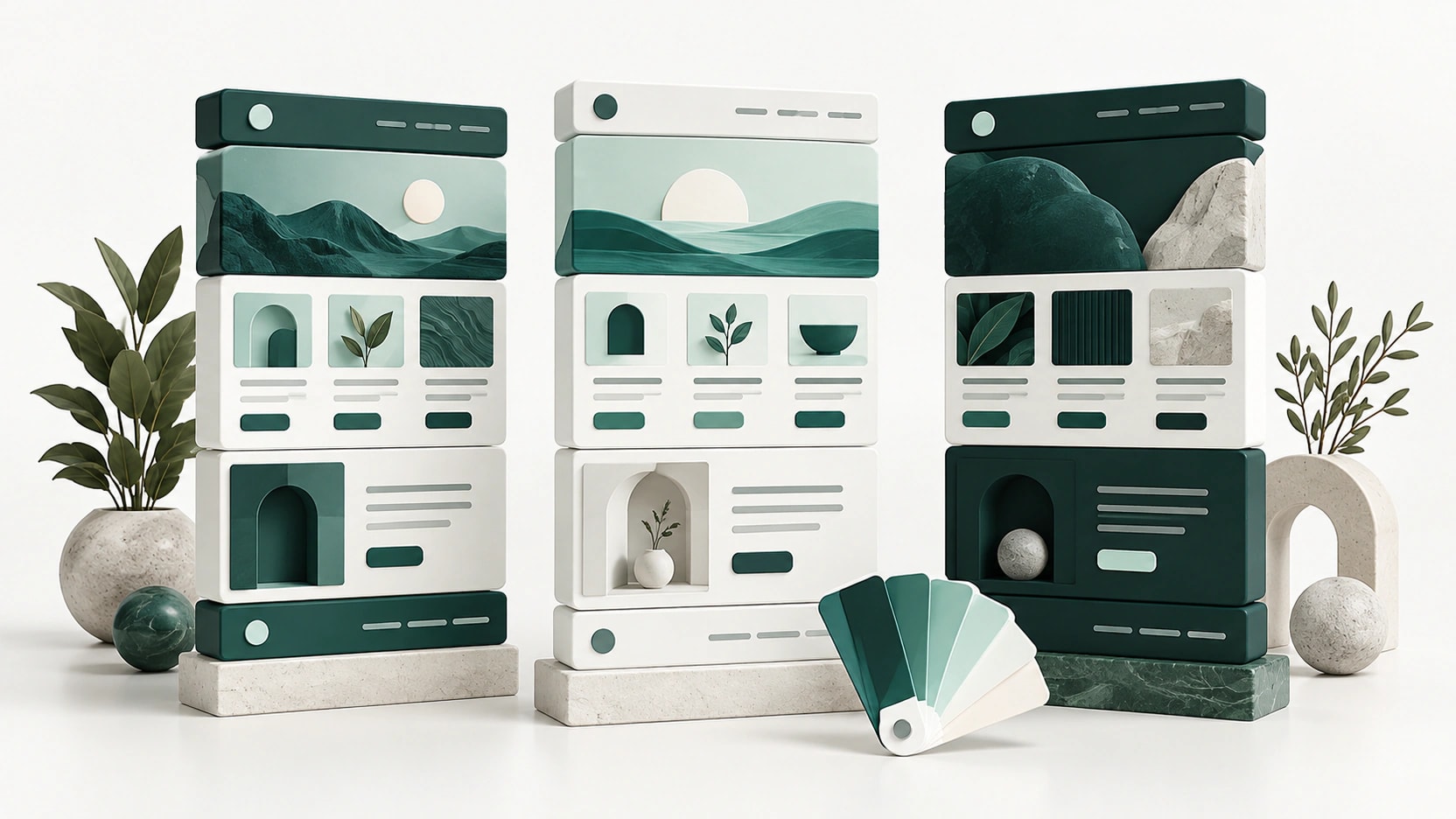
Choosing a WordPress block theme means choosing an editing system as well as a visual starting point. Headers, navigation, footers, and templates can be managed through the native Site Editor, but the initial patterns and styles still influence how easily a team can build a coherent website. A newer theme name does not automatically mean a better fit for your content.
Twenty Twenty-Five, Twenty Twenty-Four, and Twenty Twenty-Three are three free WordPress community themes with different design starting points. This comparison uses their official directory entries and WordPress documentation reviewed on October 11, 2026. It explains how to choose between them without claiming hands-on benchmark results or suggesting that one theme guarantees accessibility, speed, or search rankings.
What a native block theme changes
WordPress documentation explains that the Site Editor is available with a block theme. It brings templates, template parts, navigation, styles, and patterns into a block-based editing workflow. That differs from editing the content of a post with blocks while a classic theme still controls the surrounding header and layout through another interface.
Before choosing a design, decide who can change the whole site and who should edit only articles or pages. A reusable header can be helpful, but accidentally changing it affects many URLs. Establish an approval process for shared patterns and templates. Also distinguish a visual pattern, which supplies a layout starting point, from the actual template that controls a content type.
The quick comparison
| Theme | Useful starting point | Main design advantage | Tradeoff to consider |
|---|---|---|---|
| Twenty Twenty-Five | Blogs and flexible sites using varied text and image patterns | Broad pattern vocabulary for several content situations | The team still needs to establish a consistent editorial layout |
| Twenty Twenty-Four | Business, writing, and portfolio sites needing fuller page compositions | Ready-made page patterns organized around recognizable purposes | Imported compositions need adaptation to real content |
| Twenty Twenty-Three | Projects wanting a restrained base and deliberate styling | Minimal starting design with alternative style directions | More page composition may fall to the site designer |
Twenty Twenty-Five
Twenty Twenty-Five’s official description emphasizes flexibility and patterns for different types of sites, including service and landing pages alongside blogs. It combines text and image layouts with international typography considerations. Its directory currently lists WordPress 6.7 as the minimum requirement. That minimum is a compatibility floor, not a recommendation to keep an otherwise outdated WordPress installation.
For an editorial project, this starting point gives you several ways to present articles and supporting pages. Our guidance is to shortlist it when your content ranges from short announcements to illustrated stories and you want to work within native WordPress tools. Select a small, consistent set of patterns first. A large choice of layouts is less useful if each author creates a different visual language.
The free theme has no commercial theme activation allowance or annual renewal fee. Core template editing does not require an Elementor subscription or a commercial block collection. Hosting, premium functionality, commissioned design, and ongoing maintenance remain separate costs. Community distribution also does not create a contractual support response time for a business that needs an individual service agreement.
The main limitation is that flexibility does not supply a finished editorial policy. Decide the width of long-form text, the treatment of captions, the placement of related content, and the hierarchy of archive headings. Review both an image-heavy article and one without a featured image. A design that depends on every story having striking photography can create unnecessary work for a text-led publication.
Twenty Twenty-Four
Twenty Twenty-Four’s directory describes a theme shaped around business owners, writers, and portfolios. It supplies full-page designs and supports editing through the native Site Editor. The listed minimum WordPress version is 6.4. The practical attraction is the availability of more complete page compositions that can give a team an understandable starting structure.
Consider it for a consultant, studio, or publication that needs an introduction, service overview, work examples, and a contact path. A full-page pattern can help clarify the order of those sections. Treat its arrangement as a draft brief, however. Replace demonstration text with real headings early, because the amount of information you actually have determines whether the original proportions are still appropriate.
Its advantage over a deliberately sparse starting point is reduced uncertainty about initial page structure. Its corresponding limitation is the risk of adopting a composition simply because it is already there. A portfolio card is not useful without meaningful project information. A large introduction can become an obstacle if visitors mainly need a practical service list or opening hours.
This is also a free community theme, with no commercial Pro upgrade or theme renewal to calculate. Extra forms, booking systems, membership rules, or shop functions belong to separate plugins and services. Record those dependencies independently. When handing over the site, explain which sections are regular page content and which changes would alter a shared template or pattern across several pages.
Twenty Twenty-Three
Twenty Twenty-Three’s official description presents a clean starting design with alternative style variations created for different aesthetic directions. Its directory lists WordPress 6.1 as the minimum. This makes it useful to examine when the design team wants a restrained foundation rather than a homepage composition that already suggests how the entire site should be organized.
Our selection guidance is to consider it for a focused writing site, a small custom design, or a project whose own design system is already defined. Start by setting typography, content width, colors, and spacing, then compose the necessary pages. Choosing a style variation can establish a direction, but it does not replace a content model or a clear navigation plan.
The strength is room for deliberate decisions. The tradeoff is that a non-designer may find the sparse starting point less immediately helpful than fuller page patterns. Budget for that initial composition work even though the theme itself is free. Saving on a theme license does not remove the time required to make the header, archives, and individual posts feel like one site.
There is no paid theme tier, annual premium renewal, or companion builder required for its native templates. Assess any added block collection on its own merits, and document what happens to its content if it is removed. The older year in the theme’s name is not evidence that it is abandoned: its directory lists a 2026 update. Review actual maintenance information instead of using the name as a proxy.
Patterns, styles, and templates need separate decisions
A style choice changes the visual language; a page pattern offers an arrangement; a template governs the repeated frame around a type of content. Separating these concepts helps an editor understand the impact of a change. A local paragraph correction should not require editing a global template, while a header change should not be repeated manually on every service page.
Write a brief handover guide identifying shared parts and who may modify them. Keep a record of original theme choices and subsequent customizations. WordPress documents an export facility for styles and templates, which can help preserve design work. Still verify the export and restoration process on staging; a theme switch should not be treated as a guarantee that every database customization transfers unchanged.
Check compatibility with your actual content
Before deciding, assemble a long article, a short announcement, a page with a table, and a page with a contact form. Examine navigation, captions, heading order, links, and mobile spacing. These are proposed evaluation steps, not results from installations we tested. Accessibility-ready tags describe theme review criteria, not a guarantee about the finished site’s content or third-party plugins.
If the site includes WooCommerce, check the particular product, cart, and checkout implementation with your chosen extensions. Native template editing is not the same as a bundled set of advanced shop tools. Our WooCommerce theme comparison focuses on that separate presentation and extension decision.
Compare the Elementor workflow if a visual builder is already part of the team’s process. For a publication that prefers established classic layouts, see our blogging theme comparison. Mixing editing systems should solve a specific need rather than introduce extra controls without a purpose.
Which block theme should you choose?
Shortlist Twenty Twenty-Five for flexible patterns across varied editorial and supporting content. Consider Twenty Twenty-Four when business, writing, or portfolio page compositions give you a useful head start. Consider Twenty Twenty-Three when a minimal base suits a deliberate custom design. All three support the native block-theme approach; the deciding factors are the starting layouts, your content, and the team’s ability to maintain shared design decisions.