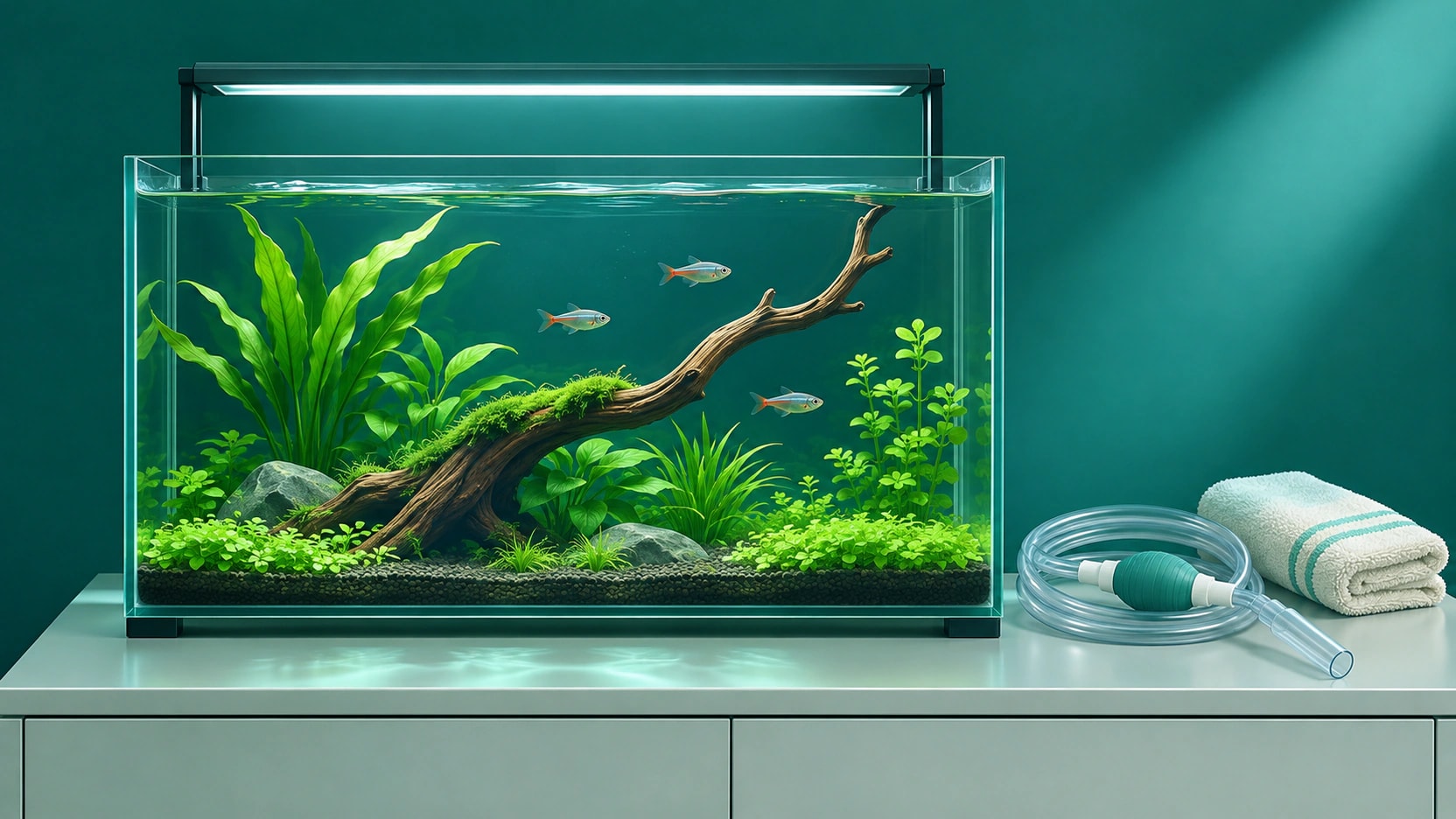
An aquarium installer can spend several phone calls discovering that a prospective customer wants monthly maintenance rather than a new installation. A well organized website should separate those requests at the first decision. It should also explain the kinds of tanks the company supports, where its technicians travel and how owners of existing systems can describe the equipment they already have. A beautiful tank gallery helps only if visitors can turn what they see into a well scoped enquiry.
An aquarium maintenance theme provides layouts for services, projects, educational pages and, in some cases, an online shop. A theme does not dispatch technicians or carry forward a client’s service history. AquaPro, Aqualots and Bricksy offer different routes to the same public site: a combination of service and retail pages, an aquarium service demo with companion components, or a flexible block based site assembled around a straightforward quote form. The differences matter when the people who update the site are also the people taking service calls.
Compare the three themes
| Theme | Editing and plugins | Good fit | Advertised price (USD) |
|---|---|---|---|
| AquaPro | WPBakery; WooCommerce | Mixed service and equipment catalogue | $69 |
| Aqualots | WPBakery; ThemeREX Addons | Service descriptions and enquiries | $69 |
| Bricksy | Native Site Editor | Service pages without a retail demo | Free; optional Pro |
Prices are a snapshot from November 16, 2026, excluding tax and any fees. The advertised ThemeForest Regular License is generally a one time purchase for a single end product; the item pages show six months of author support and future updates. Support extensions or renewals cost extra and depend on the item and purchase timing. Verify the charge in your account. Paid access, bundled plugins and separately licensed integrations each have their own terms. This comparison uses published documentation and demos, without installing the themes.
AquaPro
AncoraThemes markets AquaPro for aquarium installation, ongoing service and retail. The vendor supplies three homepage approaches and identifies WPBakery, WooCommerce and Essential Grid in the item description. The most useful part of that combination is the ability to give an installed tank a real project page while keeping replacement media or equipment in a separate catalogue. Someone comparing freshwater installation prices should not land on a product listing for filter pads just because both use the word “filter.”
Start with the service version if maintenance contracts are the main source of enquiries. Build one project around an actual installation and give it a concise description of the room, aquarium type and ongoing service arrangement. Use WooCommerce for goods whose inventory and delivery rules are easy to verify. For specialty equipment that needs sizing or installation, an enquiry link under the specification can serve customers better than a prominent purchase button.
AquaPro’s demo designs use WPBakery rather than the native Site Editor. Preserve service descriptions outside any decorative grid or slider where possible, and ask the vendor which layout plugins must remain active. The listing snapshots do not all show the same update date; the item metadata captured for this comparison lists WooCommerce through 9.x and a changelog entry for WordPress 6.9. Check the particular WordPress, PHP and WooCommerce versions you will deploy. The page does not document recurring route scheduling and there is no verified free edition for this item.
Aqualots
ThemeREX sells Aqualots specifically for aquarium installation and maintenance companies. Its listing describes premade service and shop pages and identifies WPBakery, WooCommerce and Contact Form 7. The changelog also identifies ThemeREX Addons and notes the move to Contact Form 7 from the previous forms. That distinction is useful when a quote enquiry should reach the person who actually assigns visits rather than a generic inbox no one checks regularly.
A useful implementation would have separate pages for new builds, one time troubleshooting and ongoing care. Retain a short quote form with service type, rough location, tank size and a callback method. Let a visitor add a photo later if it helps scope the job. Prioritize plain language on coverage and expected response times over cloning the demo. Gallery images shown in the live preview are not part of the theme purchase, so allow time to gather your own project photography.
Aqualots uses WPBakery for its layouts and does not advertise native Site Editor templates. Marketplace metadata lists newer WordPress releases than some of the dated compatibility notes and lists WooCommerce through 8.x in the captured item page. A recent companion update does not establish a newer checkout compatibility matrix. Confirm it with the author if a shop is central to the business. For reminder emails, route planning and recurring appointments, retain a separate system that your staff can operate without editing the website.
Bricksy
Anariel Design’s Bricksy is a general purpose block theme with patterns, rather than a themed aquarium demo. The WordPress.org directory lists it as a block theme with WordPress 5.9 and PHP 7.4 minimums for the directory edition. Its advantage here is that someone can edit the header, footer and reusable page layouts in the WordPress Site Editor. Use that control to keep the service coverage and estimate link consistent while allowing individual service pages to be edited by a nontechnical owner.
The cost is setup time. You will need to design the service hierarchy, provide your own photos and connect a form plugin or booking service. Create a reusable project pattern with three slots: brief, work performed and the owner’s ongoing arrangement. Write the details in ordinary blocks so you can read them even if you later replace the theme. Use the same approach for how often clients can request maintenance and what the initial visit includes.
Bricksy Pro adds more patterns, full page layouts and a demo import wizard. Anariel advertises annual and lifetime options with up to ten sites, and states that cancelling the annual plan ends updates and support rather than disabling the site. The exact checkout and renewal amounts were not confirmed. Anariel documents WooCommerce support for Pro in its compatibility notes and changelog. Check actual product, cart and checkout layouts independently if you plan to add sales to the free edition. Start with core blocks if reducing layout dependencies matters more than matching a showroom demo.
What to put on the service page
Give new installations and ongoing care different starting points. An installation customer needs to know who handles the cabinet and electrical coordination and what a site survey covers. An existing owner wants to know whether the business supports the type and approximate size of tank already installed. Show indicative service boundaries on both pages before asking visitors to fill in a form. Address questions that staff can answer reliably and send unusual requests to a person.
Treat shipped equipment, local pickup and maintenance enquiries as separate journeys. Specify which items can be ordered directly and which require a consultation. If some goods need different fulfillment rules, configure them in the commerce system. A clean WooCommerce theme can communicate a rule, but the business must define the rule and the checkout must enforce it. Do not infer special handling from a product badge or a demo shipping banner.
How to compare setup and maintenance costs
Recreate a new tank enquiry and an existing customer service request in staging. Check that the submission reaches the right inbox, carries the necessary information, and clearly says when the visit is confirmed. Update a service-area note and a project page on a phone. Ask the person who will maintain the site which workflow they can handle without the developer. If the shop is in scope, include one purchase, the order email and an out-of-area address scenario.
Compare costs over two years. Account for theme support extensions, any separate builder or grid license needed for your chosen setup, hosting, forms and the maintenance system. WooCommerce is a separate plugin; payment and fulfillment services may bring their own charges. A listing’s compatibility badge alone does not state whether a paid plugin or its direct updates are included.
Separate the first visit from a service contract
A recurring client may want a schedule, a brief report after each visit and a record of supplies the technician brings. A new client may only be ready to send the dimensions of a tank. Give the customer a way to start at the right point. In the enquiry confirmation, explain how the team decides whether an initial inspection is needed. If you quote maintenance based on a schedule, explain which items are included and what requires an additional estimate. These decisions belong in service copy and staff tools, so they can survive a move from one theme to another.
Which theme fits?
Choose AquaPro if both an aquarium project portfolio and an equipment catalogue will get regular attention. Start with Aqualots if service pages and enquiry routing are the priority and your team accepts WPBakery. Choose Bricksy if you prefer native blocks and already have a service workflow outside the theme. In each case, launch with one well described installation, one ongoing care page, and a working route from enquiry to staff confirmation before expanding the site.
For a related decision, read our pool maintenance theme comparison.